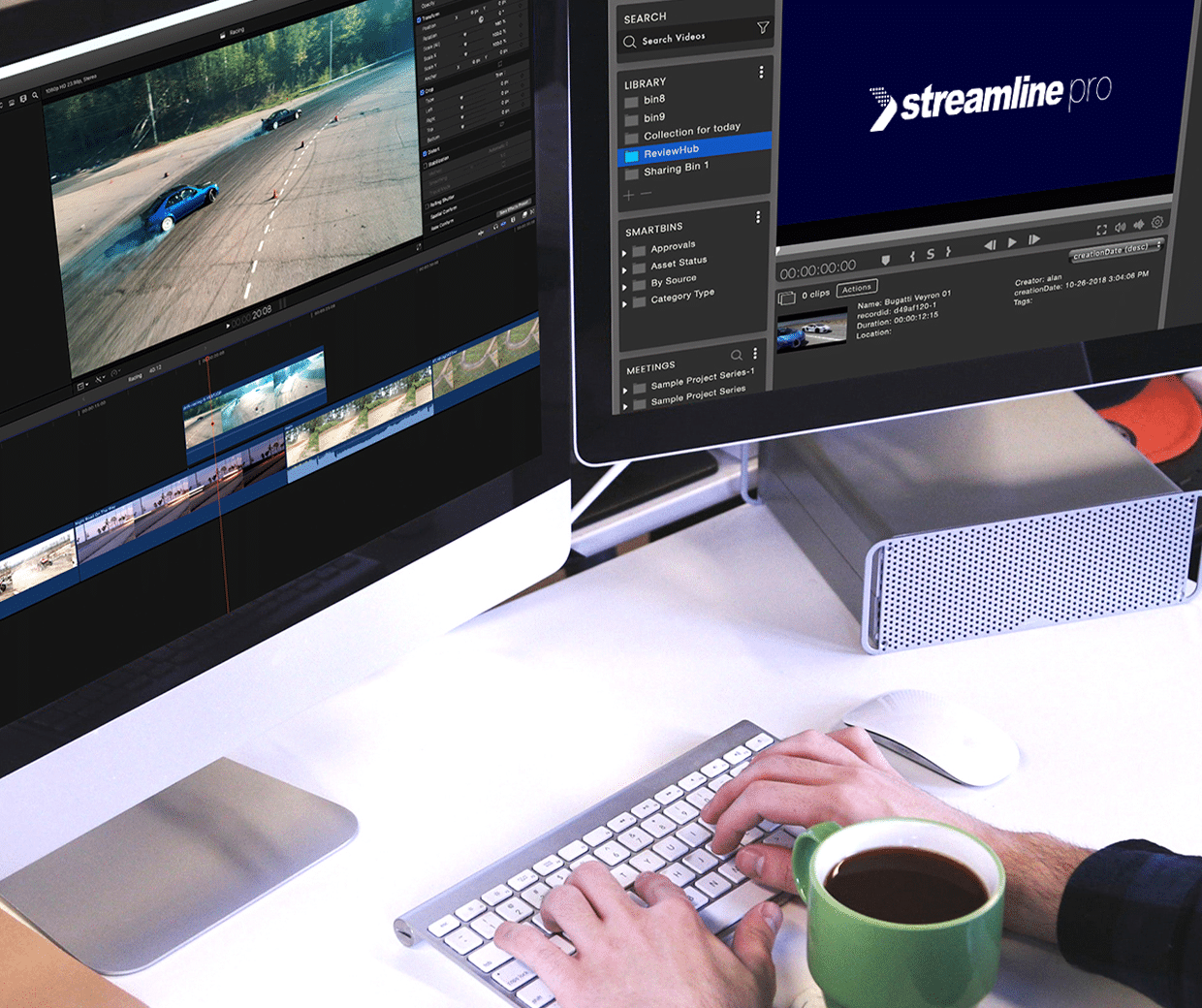
At a glance
Empower Your Media Creativity


Discover Your Assets
Access your production assets and associated metadata in and out of your facility from a single, unified UI with powerful search capabilities and real-time playback.
Accelerate Content Creation
Simplify and accelerate your content creation and workflow by accessing media and workflows remotely.
Add Flexibility
Archive and restore content to local and cloud-based archive solutions from any location and across multiple storage tiers.
Improve Efficiency and Creativity
Accelerate your entire media production workflow without compromising creativity or quality.
Easy User Management
Manage large teams easily by delegating roles and managing project-level permissions.
Future-proof Your Workflow
Work with all major broadcast codecs and file formats with unparalleled flexibility and proven reliability.
Features





Editions
Streamline Xchange supports three main editions, which vary based on the number of concurrent users, creative users and proxy renders.
Standard
For a single team creating and archiving content
Includes:
- 10 Web Users
- 6 Proxy Render
Production
For multiple teams who are creating and archiving content
Includes:
- 30 Web Users
- 10 Creative Users
- 12 Proxy Render
Enterprise
For multiple teams and facilities creating and archiving content
Includes:
- 50 Web Users
- 20 Creative Users
- 18 Proxy Render
Solution Diagram
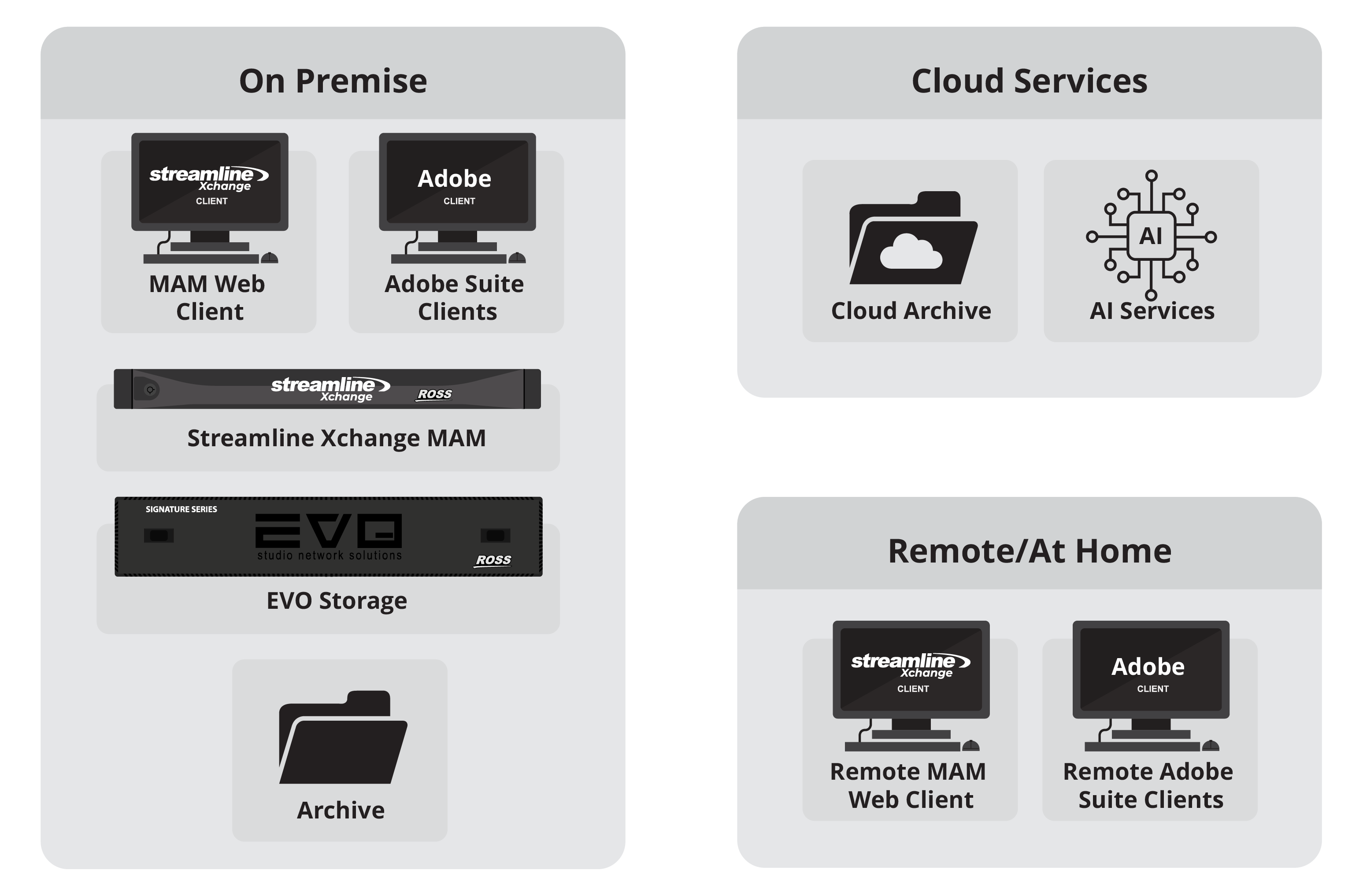
Work With Creative Applications Such As:

APPLE FINAL CUT PRO® X

ADOBE® CREATIVE CLOUD®
Server Specifications
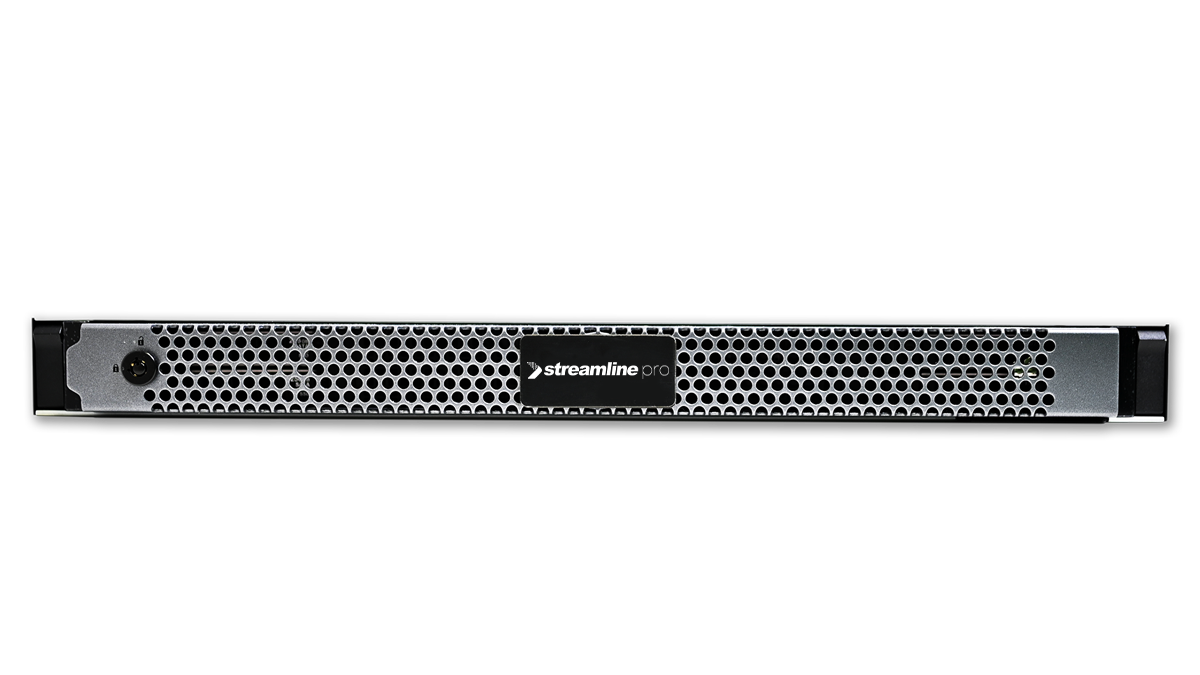
Recommended Servers
Database Server
Windows Server 2019 64-bit
32GB Memory
Intel Xeon E-2144G 3.6GHz or higher
2x480GB SSD SATA 6Gbps
Media Processing Server
Windows Server 2019 64-bit
64GB Memory
Dual Intel Xeon Silver 4214 or higher
2x480GB SSD SATA 6Gbps
Gallery
Latest News and Resources


Ross Video Communities!
The platform offers a place for live production professionals to come together to share their experiences, solve problems, find answers to questions and discuss best practices.